
What you get
- Every released version as its own card, newest first, with its Added, Changed and Fixed entries.
- A Releases list on the right: click any past version to jump straight to its card.
- A NEW pill on the sidebar entry when entries arrived since you last looked.
- The version you are running, right under the entry, so "is this in my build?" is one glance.
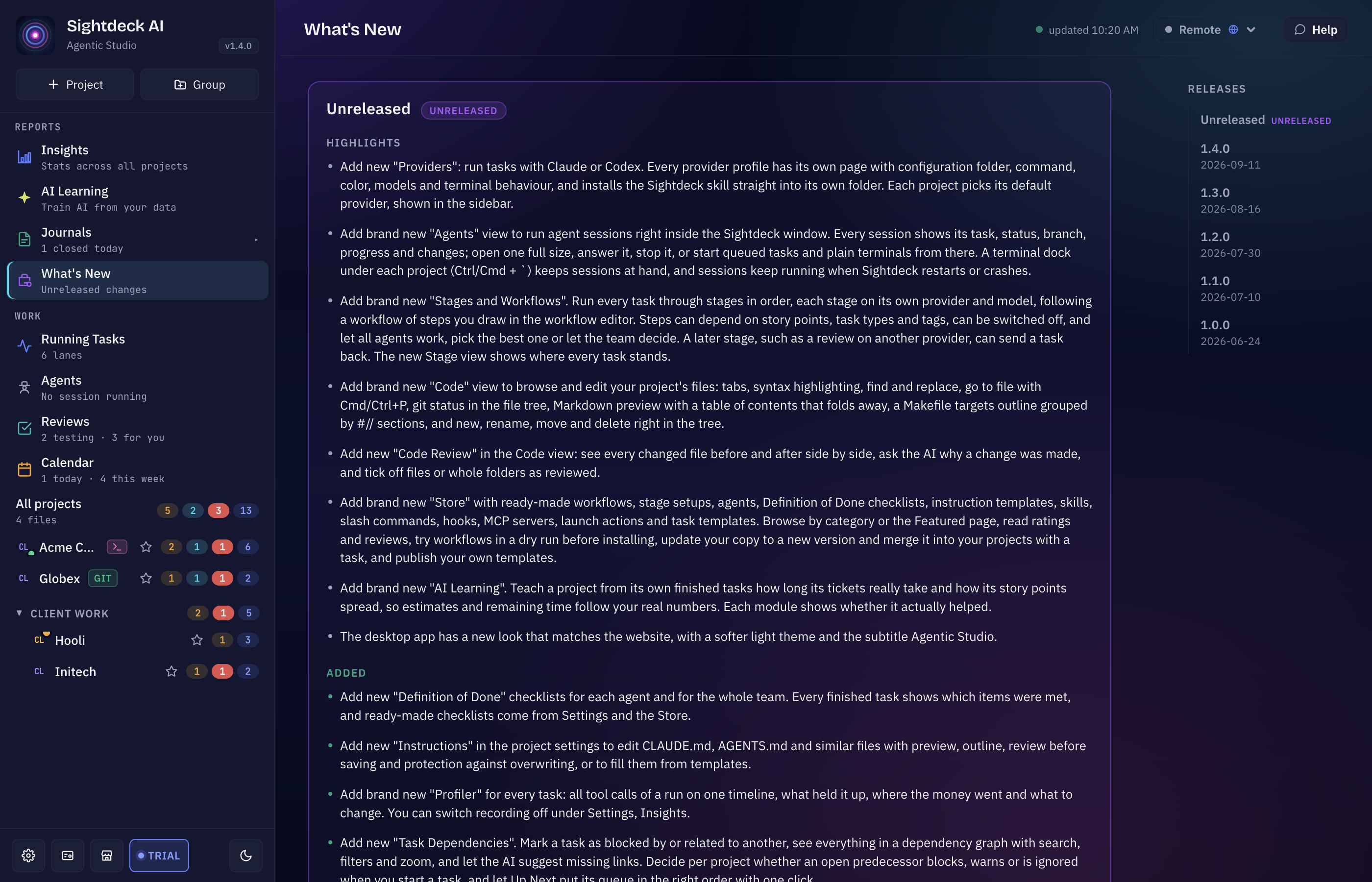
Where you find it
What's New sits in the sidebar under Reports. Changes that are already in your build but not yet part of a numbered release show up at the top, marked Unreleased.
Not your project's changelog
This view is about Sightdeck AI. The changelog your project writes while you work is a different thing and lives in your repository — see the Change Log Builder.
这个页面对你有帮助吗?
谢谢,已记录。