
What you get
- Output cost drops noticeably on long sessions and bulk runs.
- Replies are faster to read — no boilerplate to skim past.
- Code, errors and structured data stay exact, so nothing technically relevant is compressed away.
Caveman is a community style by Julius Brussee (github.com/JuliusBrussee/caveman). It comes in several levels, from a light trim to an aggressive one, with full as the sensible default.
How you use it
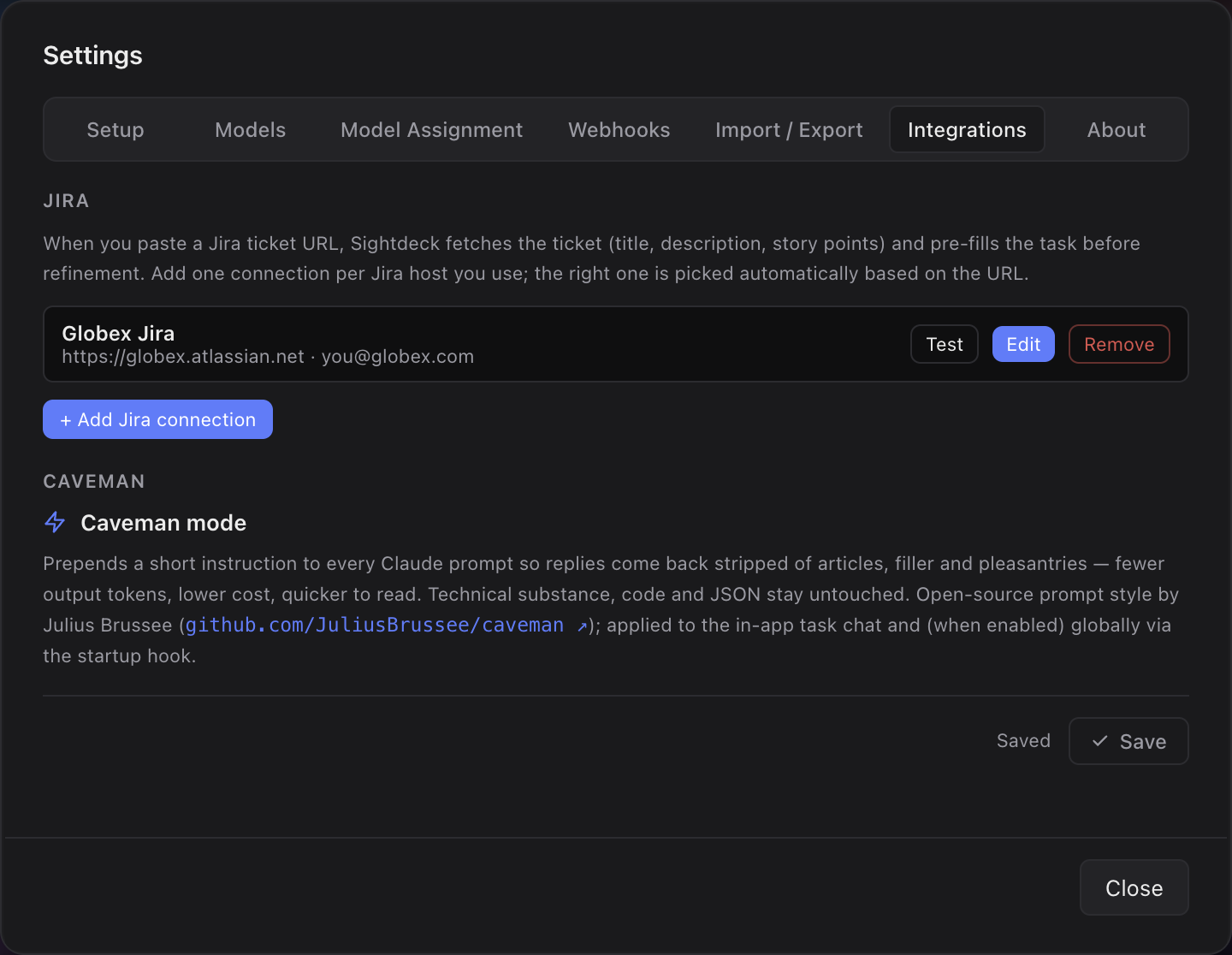
- Open Settings → Integrations and find Caveman mode.
- Switch it on.
- Pick a level — the selector appears once the switch is on.
- Save. From now on every session the app launches replies in the chosen style.
- Disable any time — your original prompts are untouched, only the trimming instruction is dropped.
Caveman is a global setting: the app prepends its preamble to every prompt it launches, in every project and on every provider. It pairs naturally with cost tracking when you're tuning spend.
Did this page help?
Thanks — noted.