
What it is
Every session Sightdeck starts — a task run, a planning dialog, a rework, a resumed conversation, and also a Non-AI command — runs in one of two places:
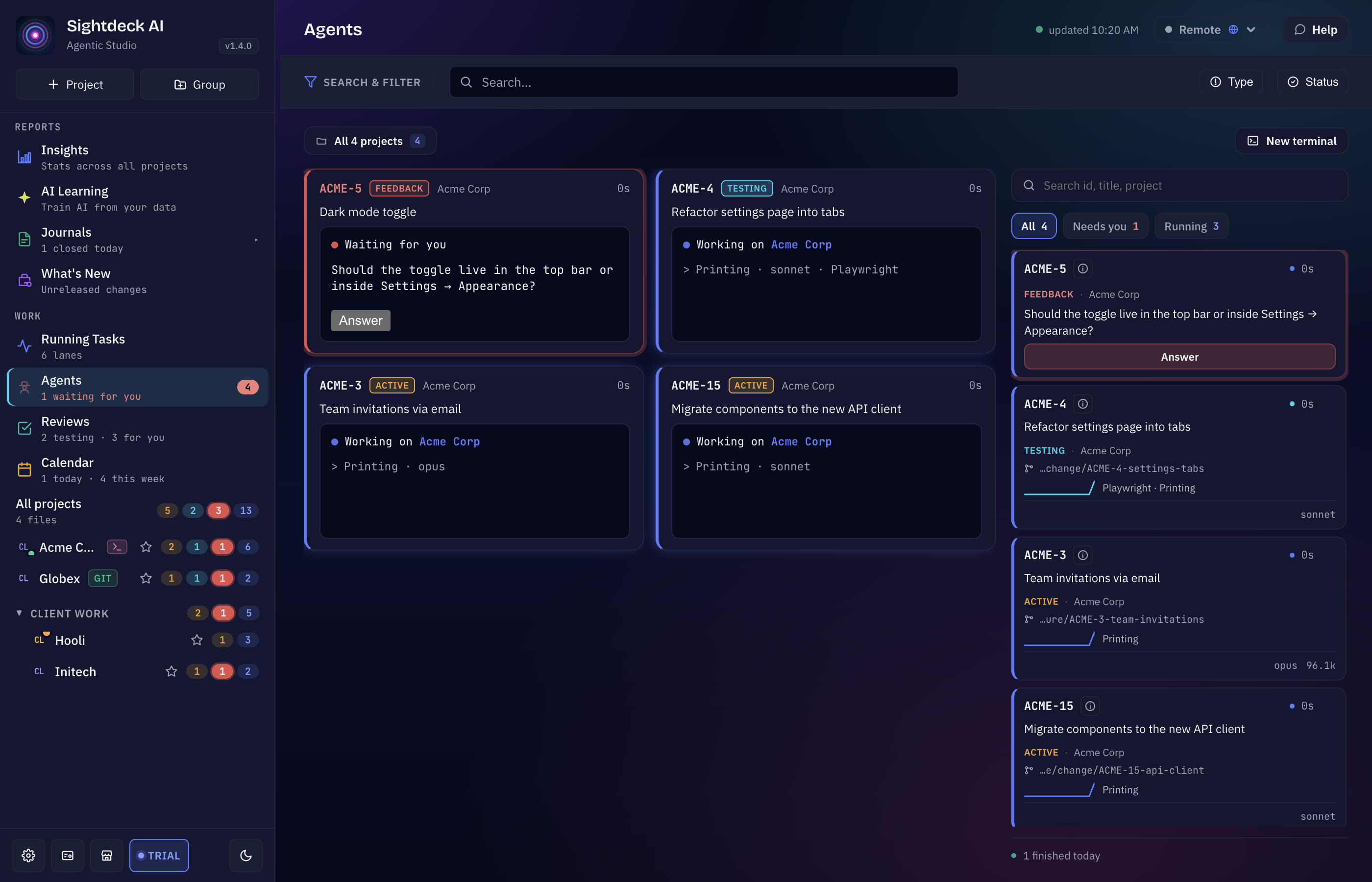
- Inside Sightdeck (the default) — the session runs in a terminal inside the app. You see it in the Agents view, in the terminal dock under the project, and on the task's Terminal tab, and you can type into it exactly as in a Terminal window.
- In a Terminal window — every session opens its own window, as before.
Because an embedded session is a real terminal you can see and type into, nothing has to be forced into a window any more: a question, a planning dialog or the folder-trust prompt of a new project is answered right there.
What you get
- A queue that works itself off without taking over your screen — the point of Up Next and of larger bulk runs.
- Every running session on one screen, with its task, status and branch, instead of a stack of windows.
- Status where you are already looking: a running card says Running inside Sightdeck — open the Terminal tab to watch it and type into it.
- Sessions keep running when Sightdeck restarts or crashes.
How you use it
- Open Edit project → General.
- Leave Run agents embedded in Sightdeck on to keep sessions inside the app, or switch it off for Terminal windows. Save.
- Optional: switch on Auto-close sessions of done tickets to end a session once its task is done and the session has gone quiet. It is off by default.
Both switches only apply on this computer — a teammate decides for themselves. Sessions that are already running keep the place they started in.
Good to know
- Full access is a provider setting. Whether a session may work without asking before each action is set on the provider's Terminals tab, see Providers.
- A session that asks a question still lands in Needs You. Answer it in the embedded terminal, from the card, or from the Agents view.
- The Terminal tab keeps a finished session only while you watch it. It is available while an embedded session runs; afterwards only if the tab was open while it ran.
¿Te ha servido esta página?
Gracias — anotado.