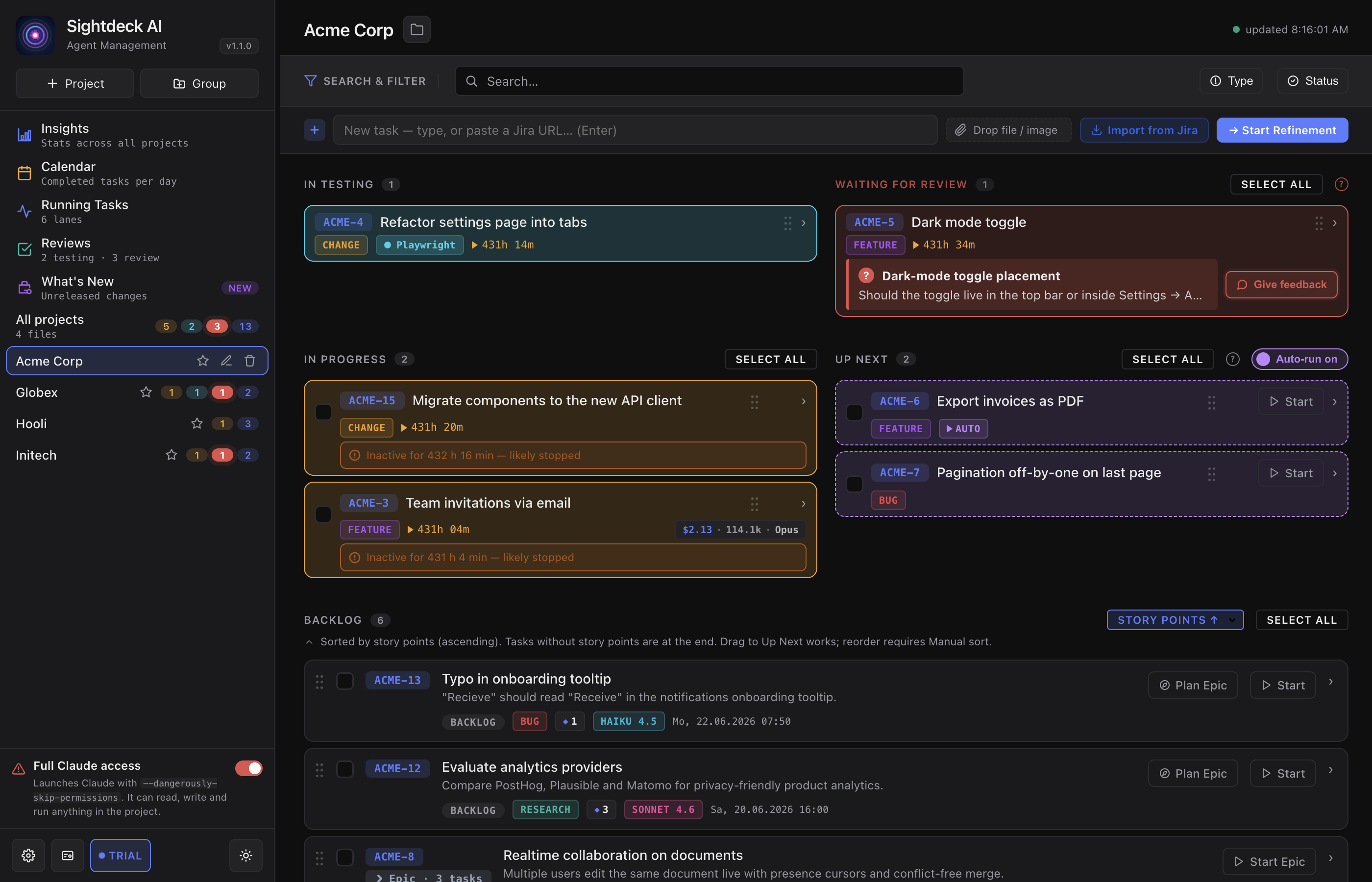
Start here
If this is your first time with Sightdeck AI, follow Getting Started top-to-bottom. If you're already running it and need a refresher on one feature, hit the sidebar.
Pick a topic
The guide is split into five areas. Each tile lands you on the first page of that area — the sidebar then carries you through the rest.
Install and get going
Install the app, install the skill, activate your license, add your first project, run your first task — the five-minute path from zero to a green tile.
6 pages SetupConfigure each project
Project prefix, language, tags, model defaults, multi-project view, the data layout in your repo — everything Sightdeck AI reads from a project and how to configure it.
10 pages WorkflowRun a day's worth of work
Backlog refinement, the status lifecycle, lanes, Up Next, Epics & subtasks, planning mode, bulk-start, reviews, token cost tracking — the day-to-day moves.
14 pages IntegrationsConnect Git, Jira, webhooks
Per-task Git branches and worktrees, Jira ticket references, webhook-on-done, import & export, the caveman prompt mode for token-tight runs.
7 pages TutorialsFollow a how-to, step by step
Short, task-oriented walkthroughs that stitch several features into one journey — run tasks in parallel, break a big task into an Epic, track Jira tickets. Each step links back to the full feature page.
4 pagesHow the guide is organised
- Every page follows the same shape: What it is, What you get, How you use it. Short, no padding.
- The sidebar on the left lists every page in stable order. The same order drives the prev / next buttons at the bottom of each page.
- Code, file paths and configuration values appear in
monospaceso they're copy-pasteable.
Found a stale page or a broken link? Tell us via the contact page with the URL — guide pages move as features evolve, and we want them flagged early.