What you get
- The conversation around a task lives with the task — not in a separate window where it gets lost.
- You can refine the concept after refinement is done, without re-running the whole refinement loop.
- With Caveman mode on, replies come back compressed — output cost drops noticeably on long threads.
How you use it
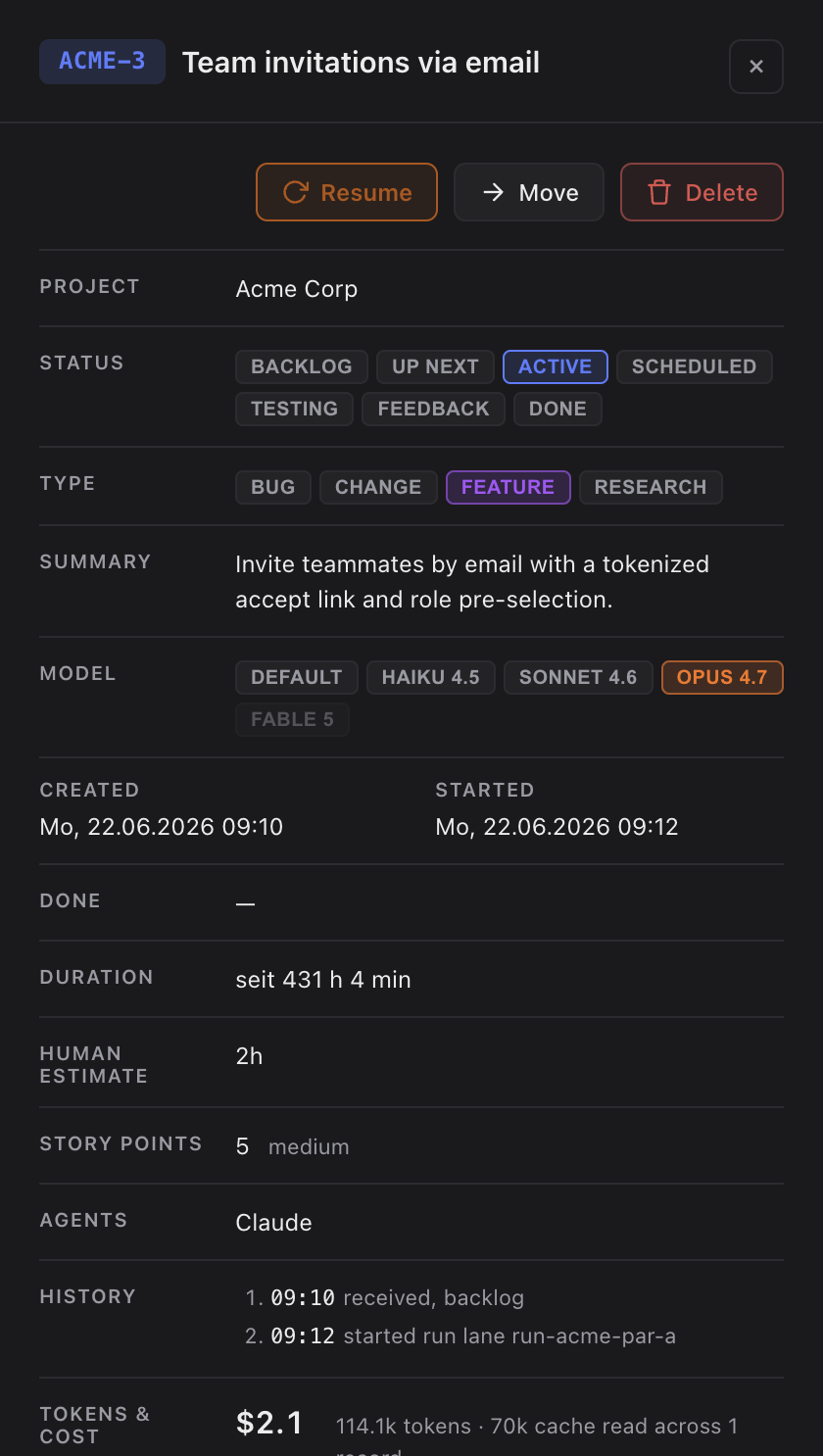
- Click a task to open the detail panel.
- Scroll to the chat section at the bottom of the panel.
- Type a follow-up — a question, an edit to the concept, a clarification. Claude already has the task's concept and history as context.
- Replies appear inline. Decisions made here can be promoted into the concept or the history.
Where the conversation lives
The chat is stored with the task, right next to your code — the same local-first files that hold the concept and history. Close the panel, switch projects or restart the app and the thread is still there when you come back. Nothing is kept on a server.
If Claude doesn't respond
The chat needs Claude Code reachable, the same as any other run. If a reply never arrives, check that Claude Code is installed and logged in, then send the message again — your earlier messages stay in the thread. For a bigger request that needs real work rather than a quick answer, start the task instead of chatting; the chat is for follow-ups, not for running the task itself.