What you get
- The pill answers "which version am I running?" at a glance — the same
MAJOR.MINOR.PATCHyou see on the download page. - Hovering the pill reveals the build number, so support requests can reference the exact build.
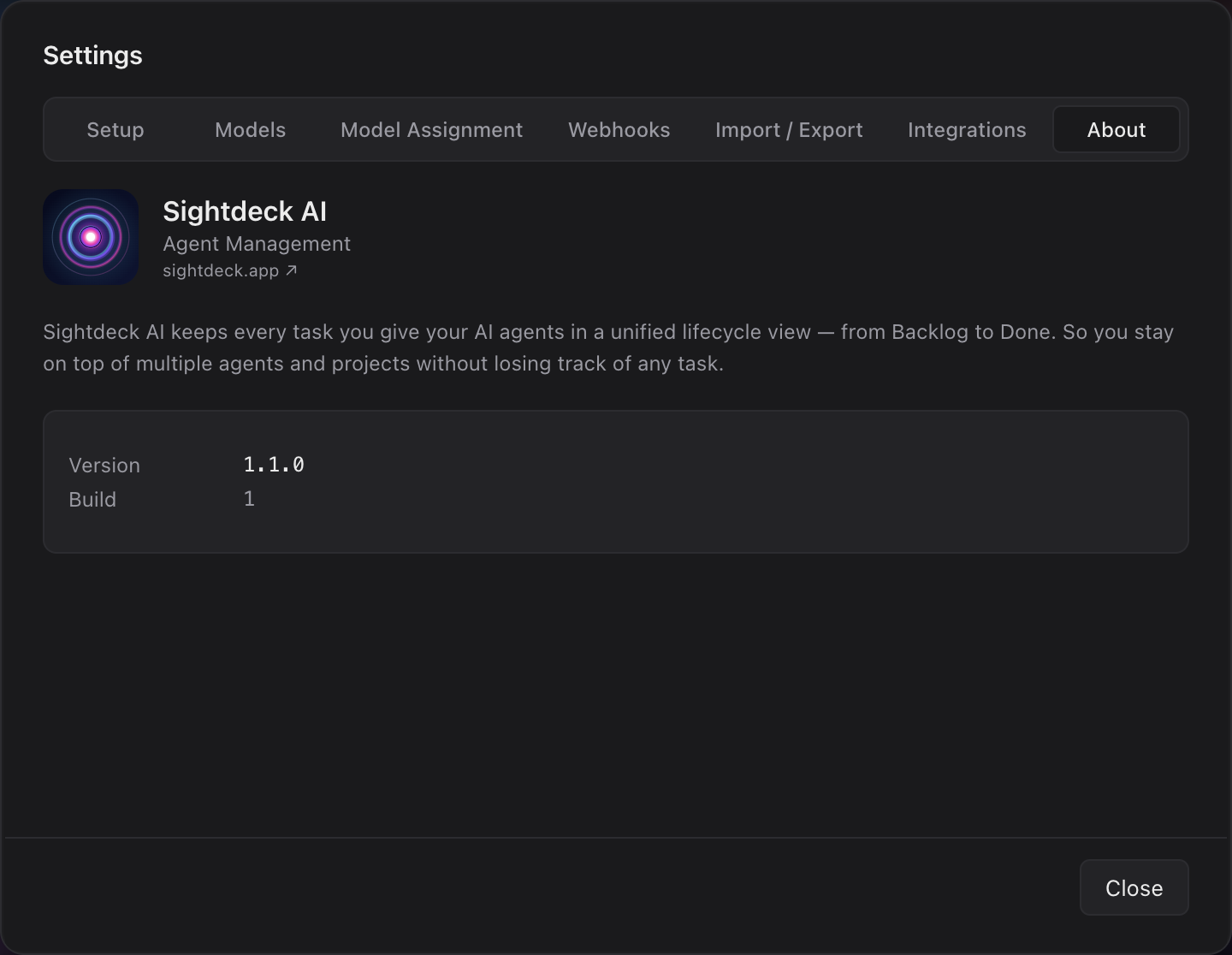
- The About tab shows version + build + website link in one place — useful when reporting an issue or checking for updates. Version and Build use the same
v/bprefix as the brand pill.
How you use it
- Open Sightdeck AI — the version pill (
v0.1.0) shows in the brand row. - Hover the pill to see
Version 0.1.0 · Build 1236. - Open Settings (gear icon) and switch to the About tab for the full version + build readout and the website link.