
What it is
Refinement turns a rough note into a ready-to-start task. You write down whatever you have — an idea, a bug report, a pasted chat — and Sightdeck AI fills in the structure for you: title, summary, kind, time estimate and story points. Large or mixed requests are split into separate tasks automatically, so you never have to break the work down by hand first.
What you get
- No more 30-minute refinement session before every sprint. You write it down, Sightdeck AI structures it.
- Every task arrives with title, summary, story points, time estimate and kind — ready to start.
- Large requests are auto-broken into manageable tasks: independent pieces ("fix login and update the changelog") become separate roots, related pieces ("design + frontend + backend + tests") become an Epic parent with subtasks.
- Quick-Add: dump two sentences in, get a finished task out — even between other tasks.
How you use it
- Drop the idea into the Quick-Add field at the top of the backlog — type or paste it, one sentence is enough.
- Sightdeck AI creates the task in
backlogright away and refines it in the background. The card shows a Refining… pill while this runs — there is no proposal to approve first. - When the pill clears, title, summary, kind, estimate and story points are filled in. Click the card to edit any of them.
- Reorder by drag & drop — most important tasks to the top.
Reorder by priority
The order of the backlog is your priority list, and you set it by hand. Grab a task by the drag handle (the dots on the left of the row) and drop it where it belongs — top means highest priority. The order saves on its own.
That order is not just cosmetic: Bulk Start launches tasks top to bottom, and when you ask Claude to "take what's on top" it picks from there too. Cluster suggestions and refinement never reshuffle what you sorted — your manual order stays put.
Reformulate — and split
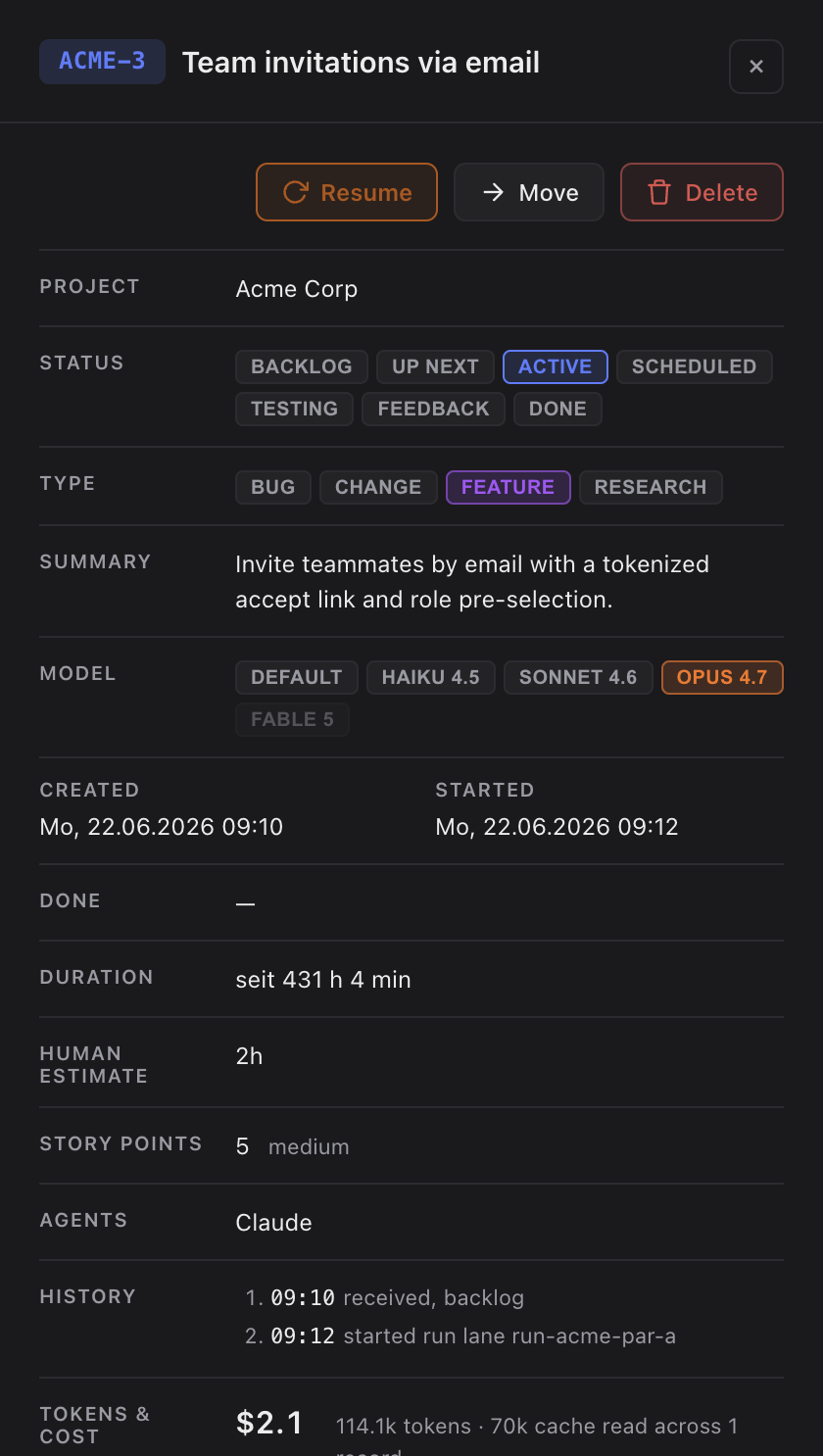
A task that already sits in the backlog can be reshaped later: open the detail panel, hit Reformulate, type the new wording. Claude rewrites title, summary, estimate, story points in the background.
The reformulate input can also bundle several independent pieces. Claude then splits: your original task survives with its ID and history and becomes the first piece; every other piece appears next to it as its own new peer task. No parent/child structure from the split. If the pieces only make sense together as one bigger goal, Claude keeps a single task and recommends Planning Mode instead.
Starting an unrefined task
A task without a type yet shows as Unclassified. Its primary action is Start Refinement — Claude classifies kind, estimate and story points and rewrites title and summary before you run it.
For the rare case where refinement does nothing (Claude unreachable, stalled run, no time to wait), the detail panel shows a secondary Start without Refinement button right next to it. An unclassified task is never a dead end.
When refinement fails
When the background refinement call breaks — timeout, missing CLI, malformed response — Sightdeck AI clears the refining chip immediately instead of leaving you staring at it. A message names the failure, with the technical detail attached so you can hand it to Claude or hit Start without Refinement instead.