What it is
Tasks, summaries, history events, concept files and Claude's replies follow whatever language the user types — German prompts produce German content, English prompts produce English.
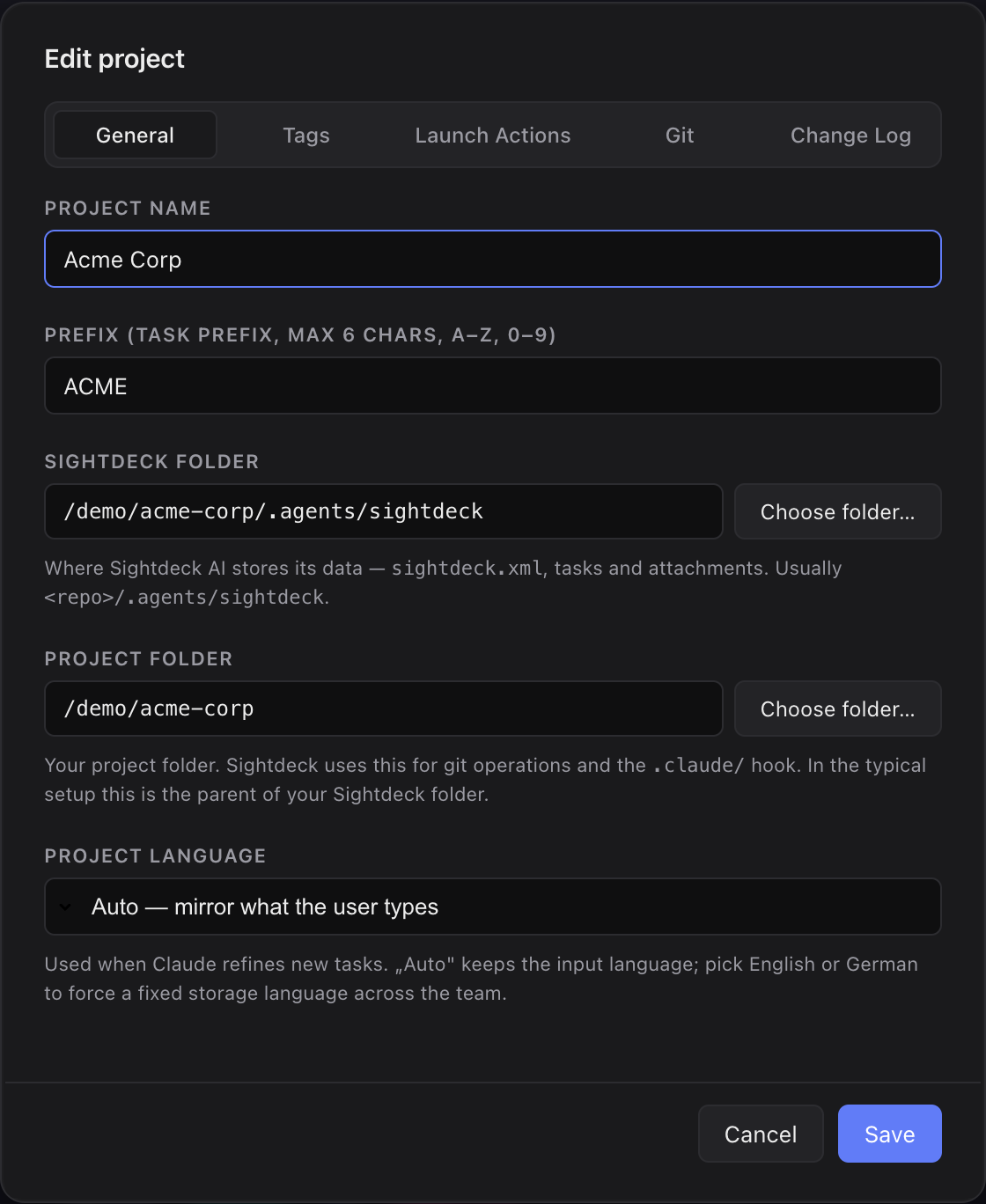
Per project you can override this with a fixed target language: even when a team member writes in German, all task content is then translated and stored in the configured language (e.g. English for mixed-team projects).
What you get
- Teams that mix languages keep task content consistent without asking everyone to switch.
- Solo projects need no setup — Claude follows your language naturally.
- Concept files and history stay readable for everyone with the same language baseline.
How you use it
- Open the project Setup screen.
- Under Project Language pick either Mirror user (default) or a fixed target language.
- From the next task on, Sightdeck AI and Claude write content in the configured language. Existing tasks are not retroactively translated.