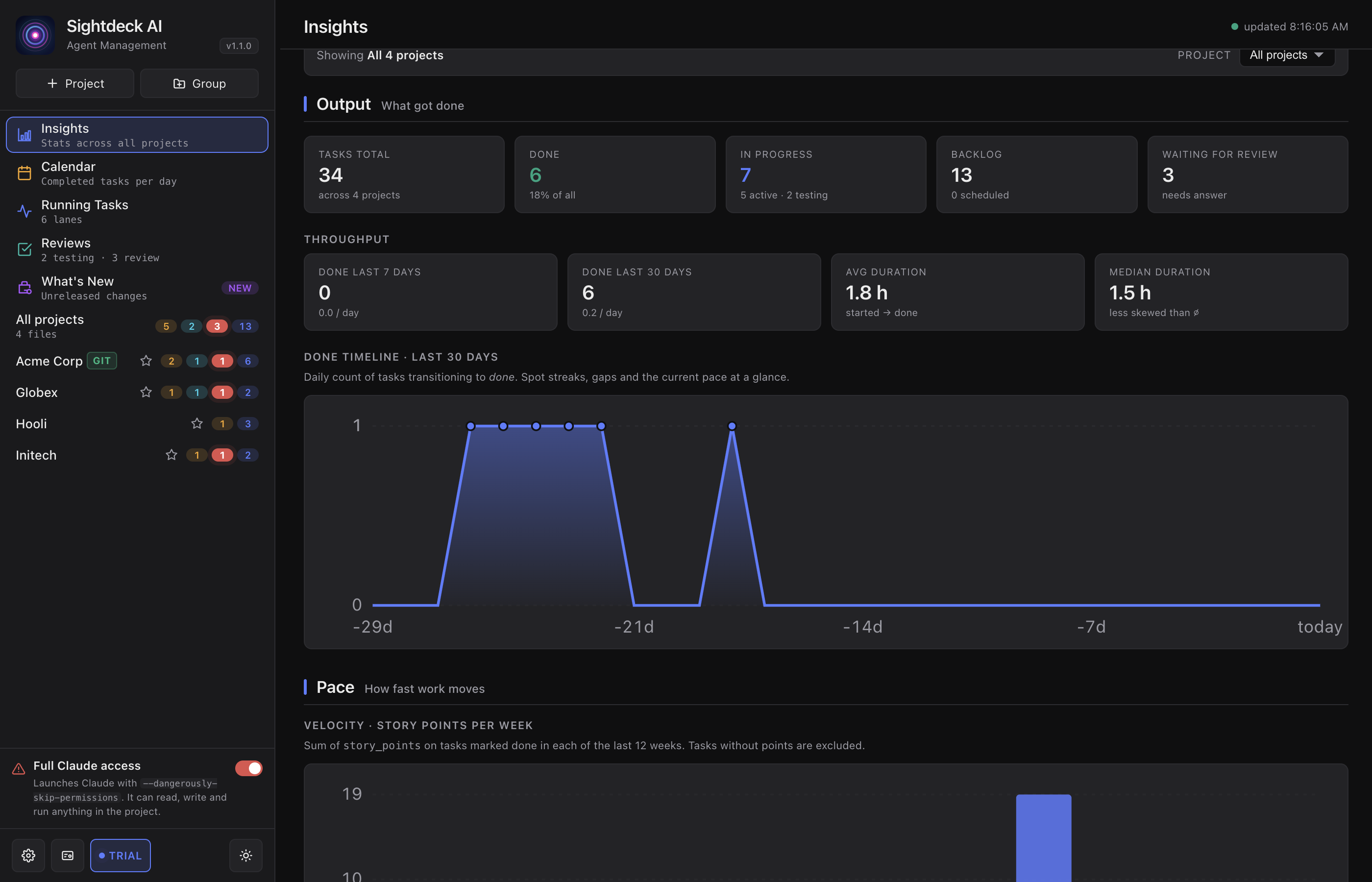
What you get
- You spot trends without scanning every project — backlog growing faster than done, too many
feedback_requiredtasks, aging actives. - Cross-project view in All projects gives a portfolio-level health check.
- The table lets you drill into actual aged or stuck tasks with one click.
How you use it
- In the left sidebar, click Insights (top group).
- Scope: pick All projects for a portfolio view, or a single project for its own numbers.
- Read the cards: Backlog (including scheduled), Active, Testing, Feedback Required, Done.
- Sort the table to find tasks that have been aging in a state for too long, then click through to fix them.