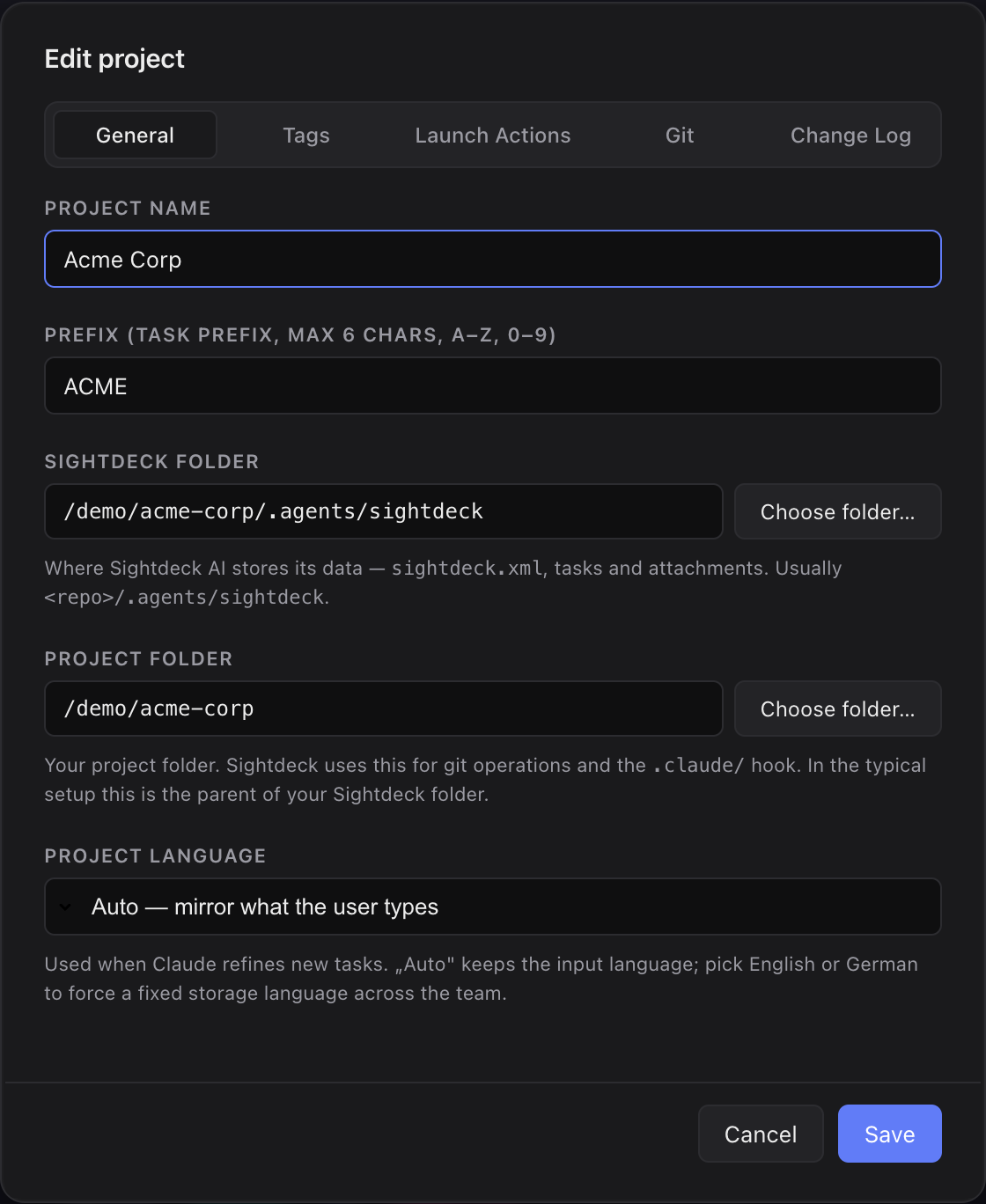
What it is
A prefix is a short label Sightdeck AI puts in front of every task number, so a task ID reads as SD-462 rather than a bare 462. It tells you at a glance which project a task belongs to — handy once you run more than one.
What you get
- Task IDs read naturally across projects —
SD-12andMO-12cannot be confused. - You can paste a task ID into a commit message, a chat or a Jira comment and it's clear which project it belongs to.
- Claude accepts both forms —
SD-12and the plain numeric12inside that project — so you don't have to be strict.
How you use it
- When a project is added, Sightdeck AI derives the prefix from the folder name (
malona-one→MO,sightdeck→SD). - To change it, open the project's Edit modal and set a new prefix. Existing tasks keep their numeric IDs; the display form updates everywhere.
- Use
<prefix>-<id>in commits, branches and chats — Claude resolves both forms.