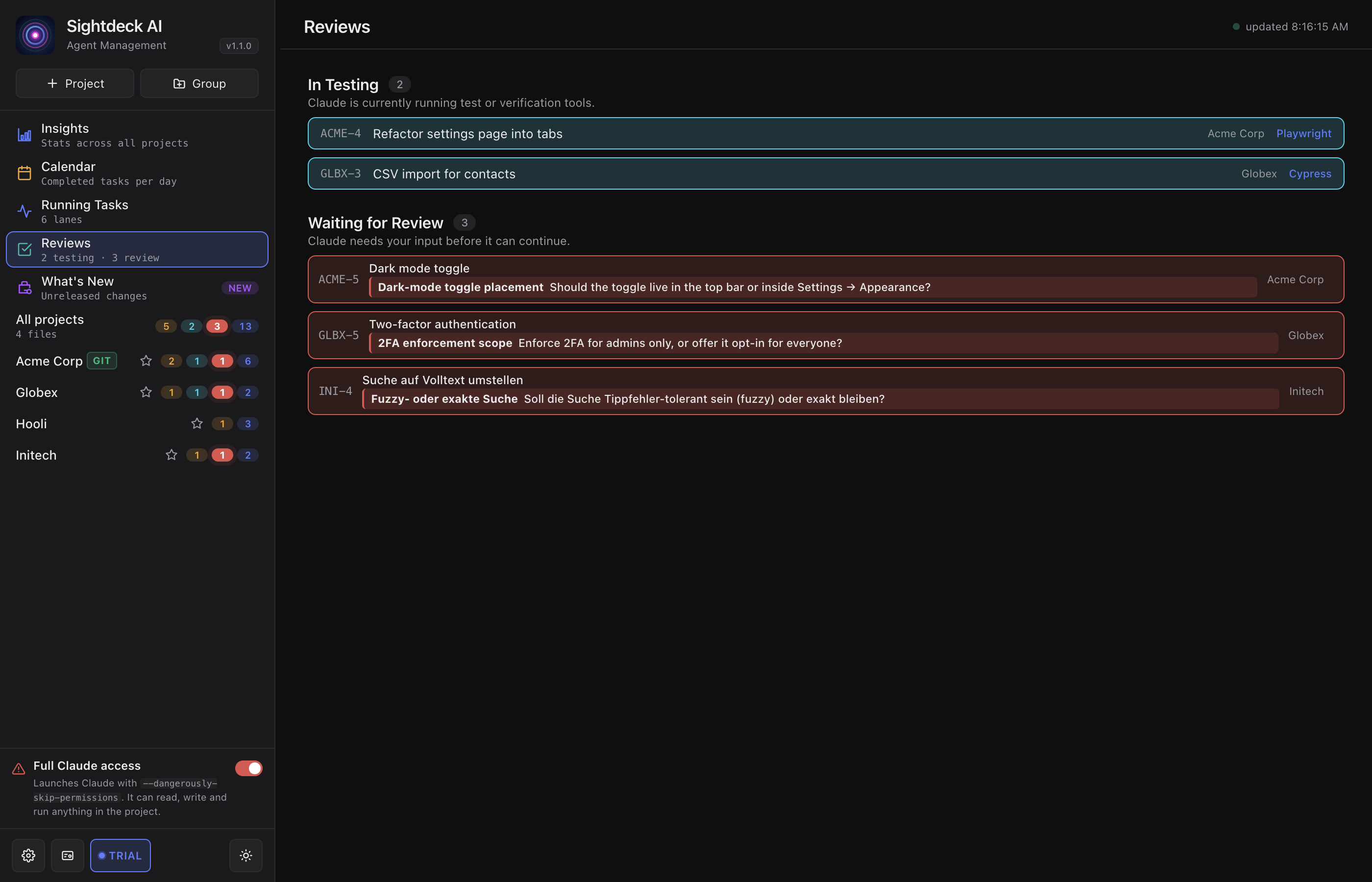
What it gathers
- Tasks waiting in
feedback_required— questions Claude asked. - Recently answered questions, with a jump straight into the full chat.
- Tasks in
testing— verifications you can watch live. - Tasks moved to
doneand ready for a final look.
What you get
- One place for your agent rounds — no hopping between projects.
- Answered questions stay visible long enough to revisit what was decided.
- Testing runs surface here, so you can check on a verification without leaving your current project.
How you use it
- In the left sidebar, click Reviews (top group, with the teal bubble).
- The view groups items by what they need: questions to answer, answered questions, testing runs, tasks ready for review.
- Click an item to jump to that task in its project, with the detail panel open.
The questions you answer here come from the Needs You flow — Reviews is the cross-project roll-up of the same signals.