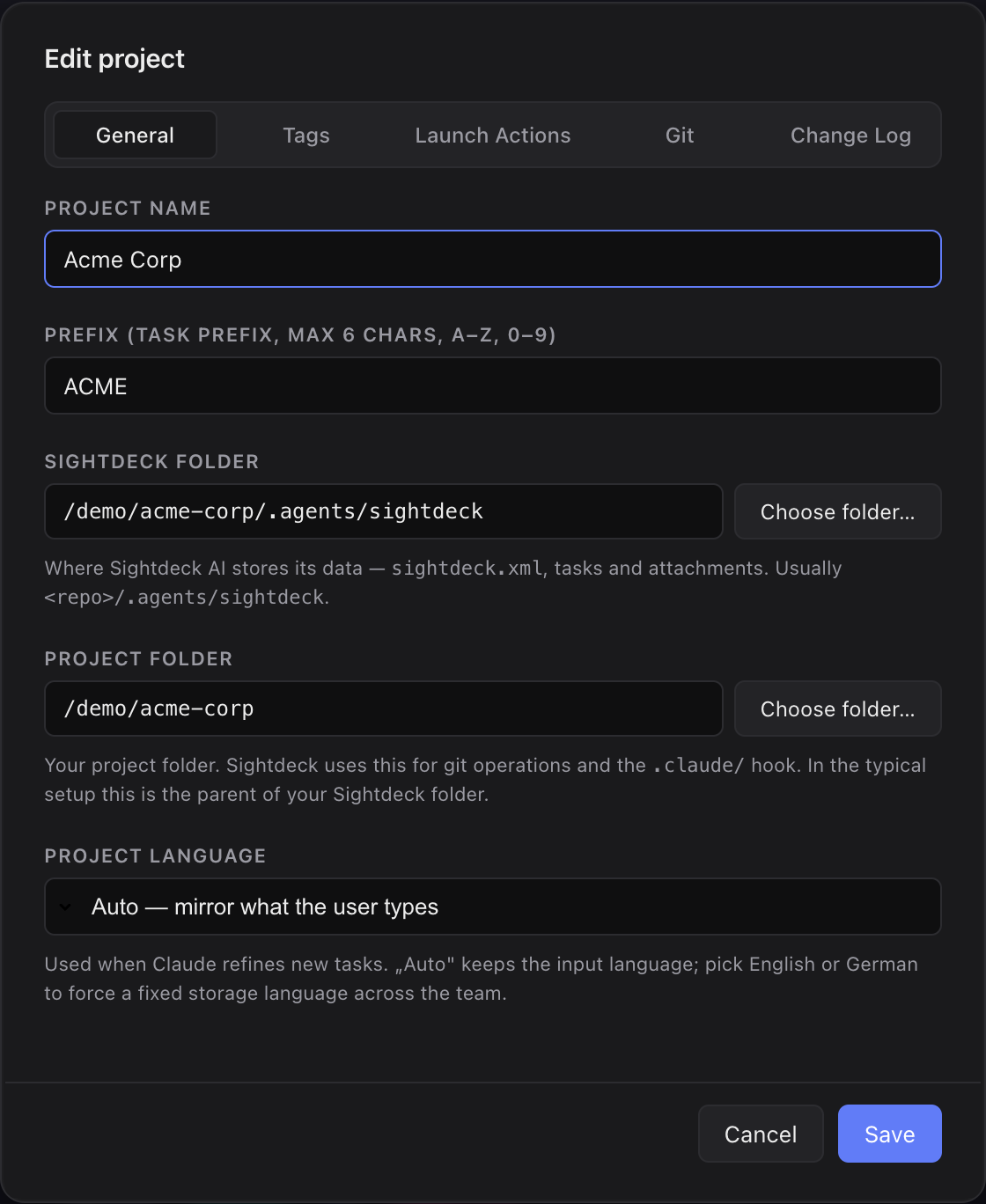
What it is
Local-first means Sightdeck AI keeps all your task data in plain files on your own machine, inside your repo — every task, concept and history entry. There is no cloud database and no server copy of your tickets; the app reads and writes the same files you can open yourself.
What you get
- Your tasks stay your tasks. Visible and editable even without internet.
- No vendor lock-in:
sightdeck.xmlis an open, readable format — it keeps working without the app. - Compliance-friendly: customer data in task descriptions never leaves the machine.
- Git-friendly: tasks and concepts can be committed and reviewed like code, if you want.
How you use it
- You install the app locally. No account setup.
- All data lands in your repo (
.agents/sightdeck/) or in a managed folder outside it (see Project folders). - Optional: verify the license online (one call at activation). Beyond that the app makes only a small, fixed set of outbound calls — see Permissions & privacy for the full list. No telemetry, and your task data never leaves the machine.
Where the files live
.agents/sightdeck/sightdeck.xml— every task in the project..agents/sightdeck/tasks/<TASK-ID>.md— the concept file for each task..agents/sightdeck/attachments/<TASK-ID>/— files you dropped onto a task.
Commit them to git for sharing, gitignore them for local-only.