What you get
- No double bookkeeping — Sightdeck AI works with your tracker, not alongside it.
- Click the reference on a card to open the original ticket, no copy-paste.
- Drag a screenshot of a ticket into the chat and that's enough: Sightdeck AI pulls the key, title and acceptance criteria out of it.
- For tech leads: all linked tickets visible together, without opening the tracker live.
How you use it
- When creating a task, mention the ticket ID (e.g.
AHSR-1234) in the title or in Quick-Add — Sightdeck AI detects it automatically. - Or drag a screenshot of the ticket into the chat, and Claude creates the task with the reference attached.
- The ticket badge appears on the card. Click it to open the original.
- Edit the linked ID and URL in the detail panel any time.
A linked task runs the same lifecycle as any other — and you can have it post back to your tools on completion with the done webhook.
Import everything assigned to you
Instead of linking tickets one by one, pull all the open Jira tickets assigned to you into a project at once. The full walkthrough lives on the Jira import wizard page.
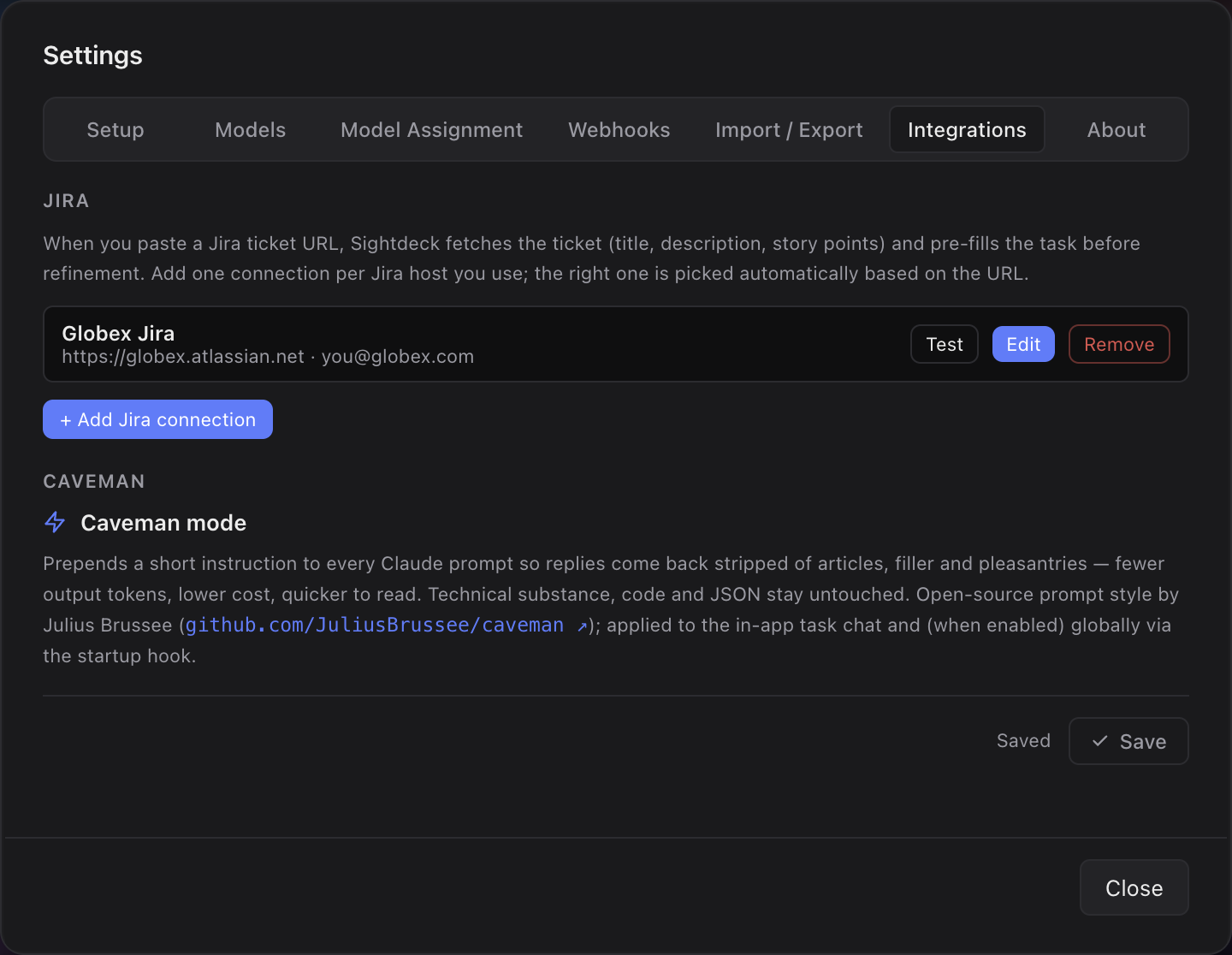
- Add a Jira connection in Settings → Integrations.
- Open a project and click Import from Jira in the quick-add bar — it appears once a connection exists.
- Pick the connection and the project. Sightdeck AI shows your open, unresolved tickets, all pre-selected.
- Uncheck any you don't want, then Import. You'll see how many tasks were created and updated.
Run it again whenever you like: tickets you already imported are refreshed rather than duplicated.
Bulk import pulls many Jira tickets in at once; a single ticket links one at a time — mention the ID or drop a screenshot as shown above.