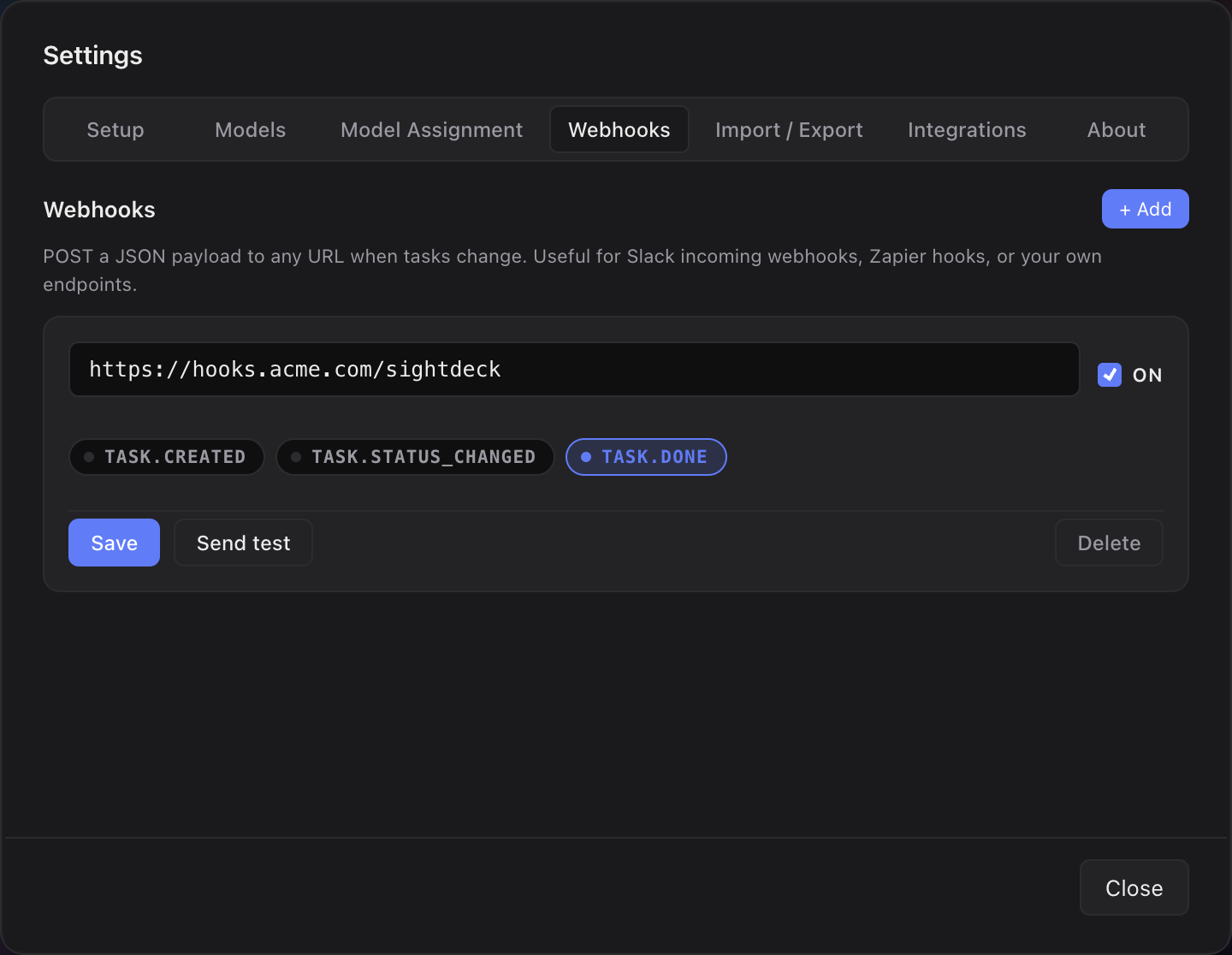
What you get
- A "done" signal without constantly watching the app.
- Plug into your existing chain: a Slack channel, an n8n flow, a build trigger, a Notion entry — whatever listens for the call.
- Each project can point at its own endpoint, or several can share one.
- For teams: a stand-up summary can be built automatically from the done events.
How you use it
- In the app, open Setup, pick a project and enter a Webhook URL.
- Optionally add a bearer token if your endpoint needs authentication.
- When a task moves to
done, a call goes out with the task ID, title, duration and project name. - If your endpoint returns an error, the app records it in the log — without blocking the run.
The webhook fires on the final step of the status lifecycle, so it's a reliable "this task is really finished" trigger.