
What you get
- Fill the queue, leave the desk: tasks are worked off one after another within each project until that project's queue is empty.
- Queue order follows your backlog priority, so the most important task runs first.
- Each task runs with its own chosen Claude model.
- Epics and unclassified tasks are skipped — they stay visibly queued and never block the rest.
How you use it
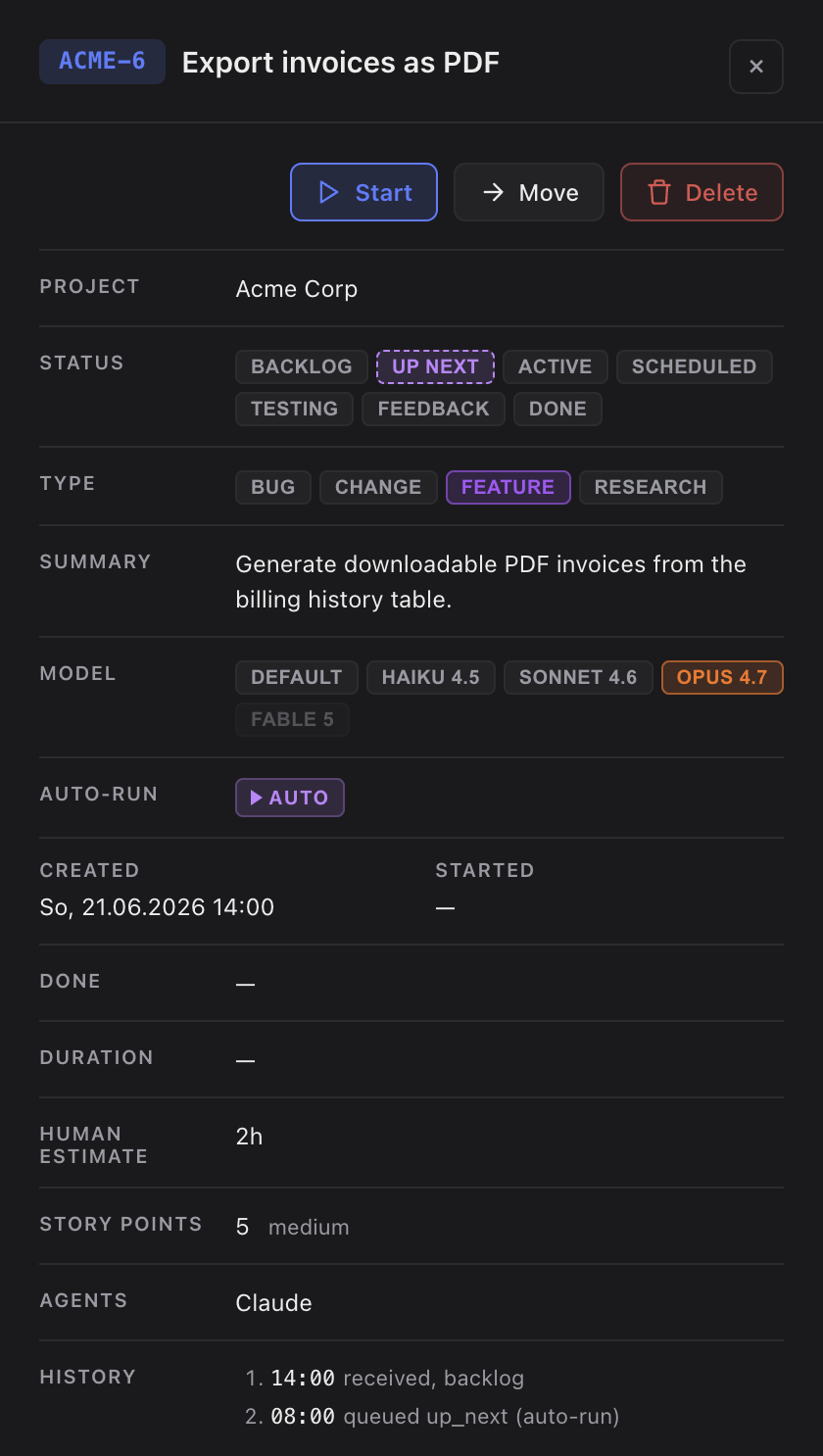
- Queue tasks into Up Next — drag a backlog card onto the cell, or right-click it and pick Queue Up Next.
- Check the Auto-run toggle in the Up Next cell. It is on by default and applies app-wide.
- Switch Auto-run off to pause: the running task always finishes, only the next launch is held back.
- Switch it back on to resume immediately. Pull a queued task back to the backlog any time before it starts.
How the scheduler keeps things running
The scheduler babysits the queue so an unattended run doesn't stall. If a session is interrupted — you closed the window, the machine slept — it re-launches the task after a short idle period, and keeps re-launching until the task reaches done or you pull it back.
If a task truly needs your input — a missing key or a decision only you can make — it is marked blocking and waits for you. For routine either/or choices, the scheduler waits a few minutes and then answers "decide yourself, pick the best option" so the run keeps moving.
Every task the scheduler started carries a violet Auto pill. When one finishes, Claude chains straight into the next queued task — no confirmation step. To group tasks into a single run by hand instead, use Bulk start.