What it's for
- Run one project against a separate Claude account — its own config directory — while your other projects use the default.
- Wrap Claude behind a script or alias of your own (extra environment variables, a specific install path, a launcher).
- Leave it empty to keep the normal behaviour: Sightdeck finds
claudeon your PATH automatically.
How you set it
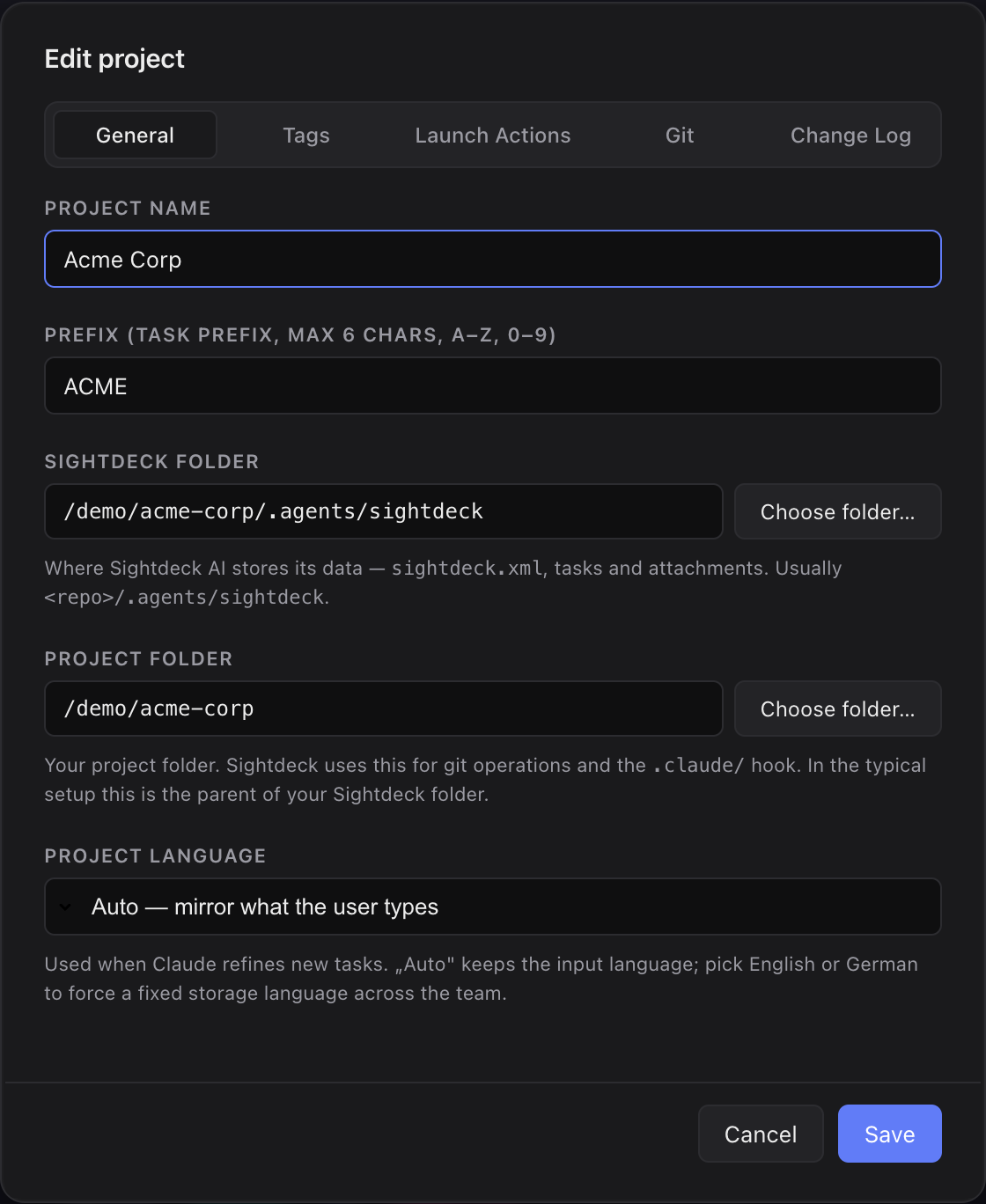
- Open Edit project → General.
- In the Claude command field, enter either an absolute path to an executable (for example
/Users/you/.local/bin/claude-priv) or a bare command name that resolves as a shell alias or function from your shell config (for exampleclaude-priv). - Save. From then on, every task in that project launches with that command.
A typical alias for a second account looks like alias claude-priv='CLAUDE_CONFIG_DIR=… claude' in your shell rc file.
Good to know
- Absolute paths are the reliable choice. A path is launched directly. A bare command name is run through an interactive login shell so your alias resolves — which also runs your shell startup files.
- Watch startup output. Shell configs that print on startup (for example Powerlevel10k's instant prompt) can corrupt Sightdeck's refinement output. Sightdeck disables the Powerlevel10k instant prompt for its runs; an absolute path avoids the issue entirely.
- There's no existence check on save — a wrong value fails when the task tries to launch, not when you save the field.