
What you get
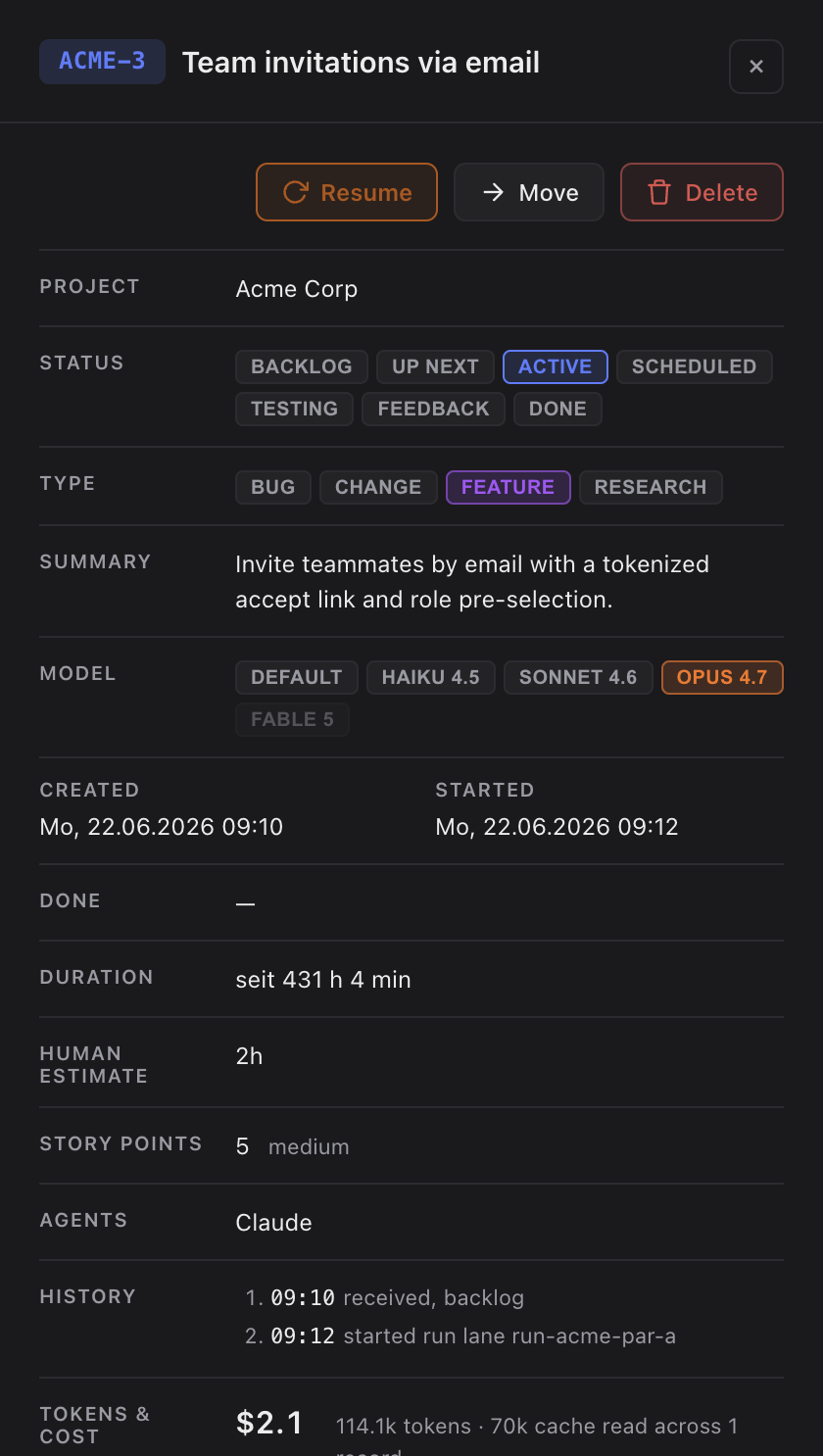
- A Skills row in the task detail panel: the union of every skill the task used, shown as chips (for example
sightdeck-ai,cypress-testing). - An expandable by run view that groups the skills per Claude session — one run equals one session — each with its timestamp, so you can see which skills ran in which run.
- The row is always there. A task that never invoked a skill shows a quiet None recorded placeholder instead of hiding it.
How you use it
- There is nothing to set up — the Sightdeck bootstrap installs the recording hooks per project automatically.
- Work tasks as usual. The skill list accumulates per task across replies and sessions.
- Open a task's detail panel to see the Skills row, and expand it to see the per-run breakdown.
What counts
Only skills a session explicitly invoked are recorded — every chip is a real skill call, not a skill that merely happened to be available. The list is a set: re-running the same skill later changes nothing, and a new skill from a later session is added to the same list.
The sightdeck-ai skill appears on nearly every task, because its lifecycle bootstrap runs at the start of each session — that is accurate, the task really did use it. The same hooks that capture token cost capture the skills, so app-started and terminal-started runs are both covered.