
What you get
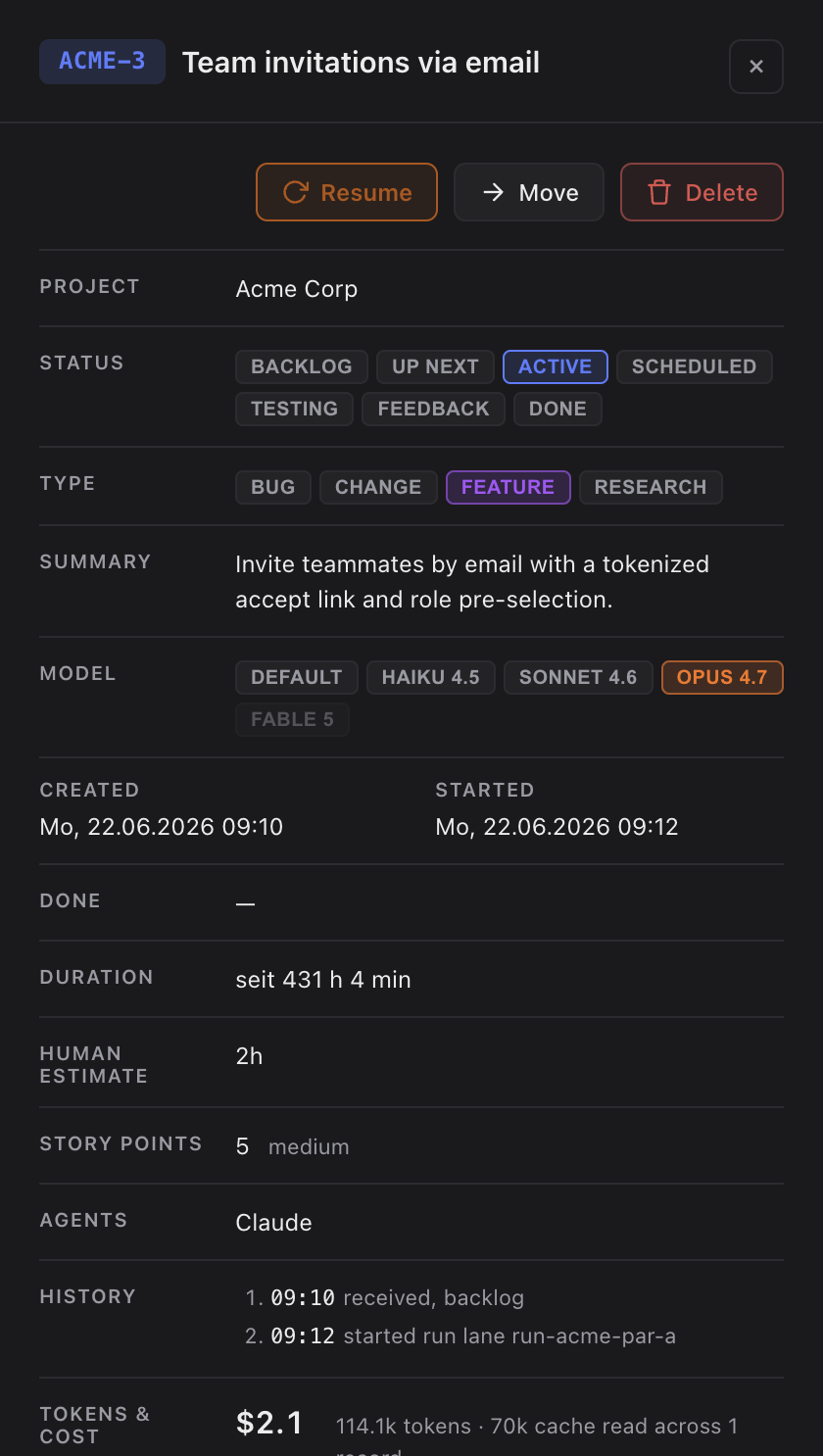
- A Changelog line row in the task detail panel: a box with the sentence and a Copy button.
- Plain English written for a reader of your release notes — what the change means for a user, not a commit subject or the raw task title.
- For Epics, the line is combined automatically from the subtasks' lines when the Epic closes, so a broken-down feature still gets one readable entry.
How you use it
- Open a finished task's detail panel and find the Changelog line row.
- Click Copy to put the sentence on the clipboard, then paste it into your own changelog.
The line is written as the task is closed — after the work is done, so it reflects what actually shipped, not the up-front intention. Research and purely internal tasks (refactors, dev tooling, test-only) get no line, since a user would notice nothing.
Epics and the "auto-combined" hint
When an Epic's line was assembled from its subtasks, a muted hint reads "Auto-combined from N subtask line(s) — check before pasting into release notes." — a nudge to give the combined sentence a quick read before it goes into your notes. If none of an Epic's subtasks had a line when it closed, the row explains "Nothing to combine — no subtask had a changelog line when this Epic was closed." rather than showing an empty box.
When it might be outdated
If a task was reworked or its scope changed after the line was first written, the row shows a "May be outdated" hint — Claude refreshes the line before the task closes again, so the sentence always ends up describing the shipped result. This line is separate from the project-wide Change Log Builder that can write a CHANGELOG.md for you on done — the detail-panel line is the ready-to-copy version, the builder is the automated file writer.